
Install Sanad on WooCommerce
Your site key
ws_YOUR_SITE_KEY
This is an example. Your own line is in your Sanad dashboard: Settings → Installation, or open the link in our email.
We never email the secret and it isn't shown here, for your safety. Find it in your Sanad dashboard: Settings → Installation.
Steps

1. Download the Sanad plugin
A small file called sanad-for-woocommerce.zip. Don't unzip it.
2. Open Plugins, then Add New
In your WordPress admin side menu: Plugins, then Add New Plugin.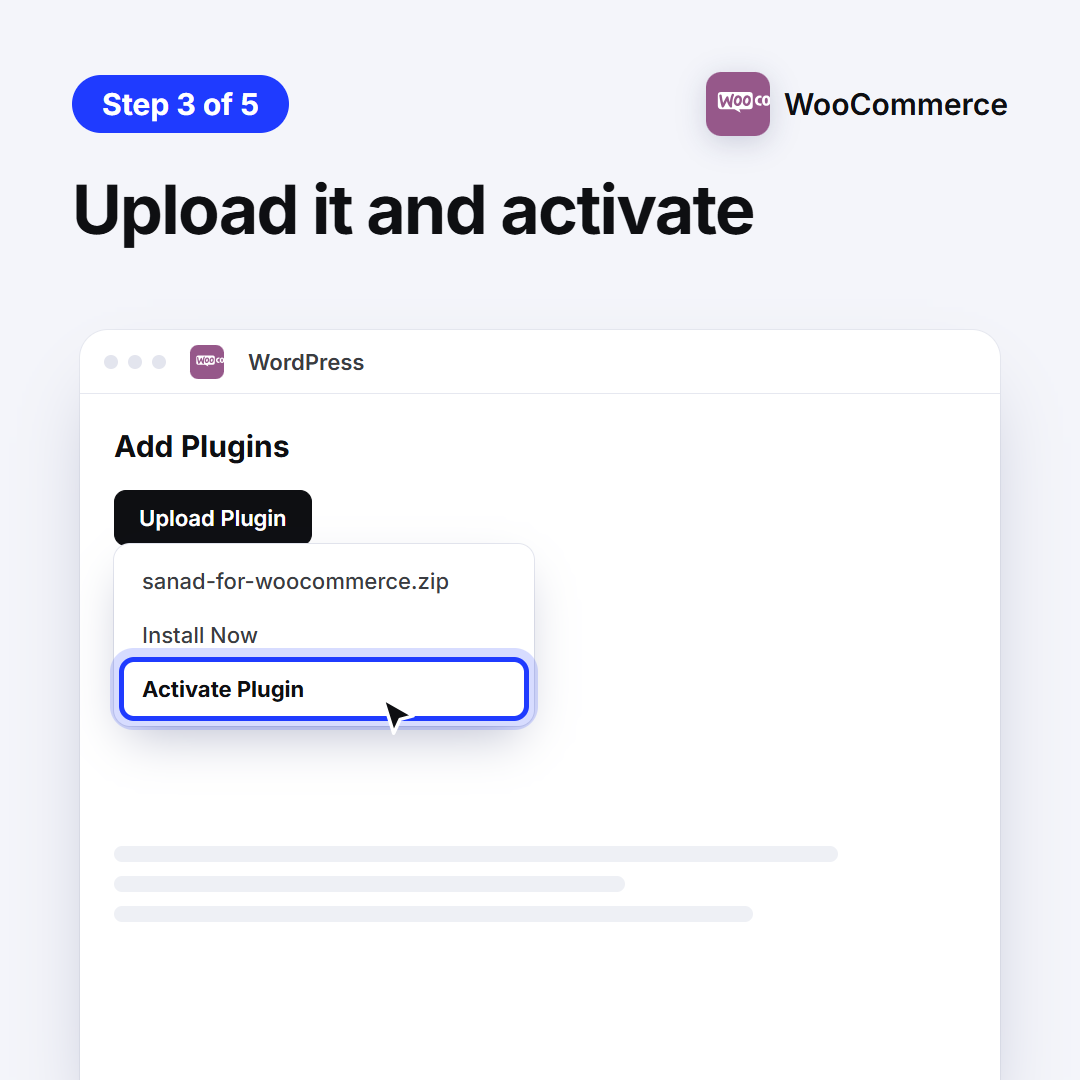
3. Upload it and activate
Click Upload Plugin, choose the file, then Install Now, then Activate.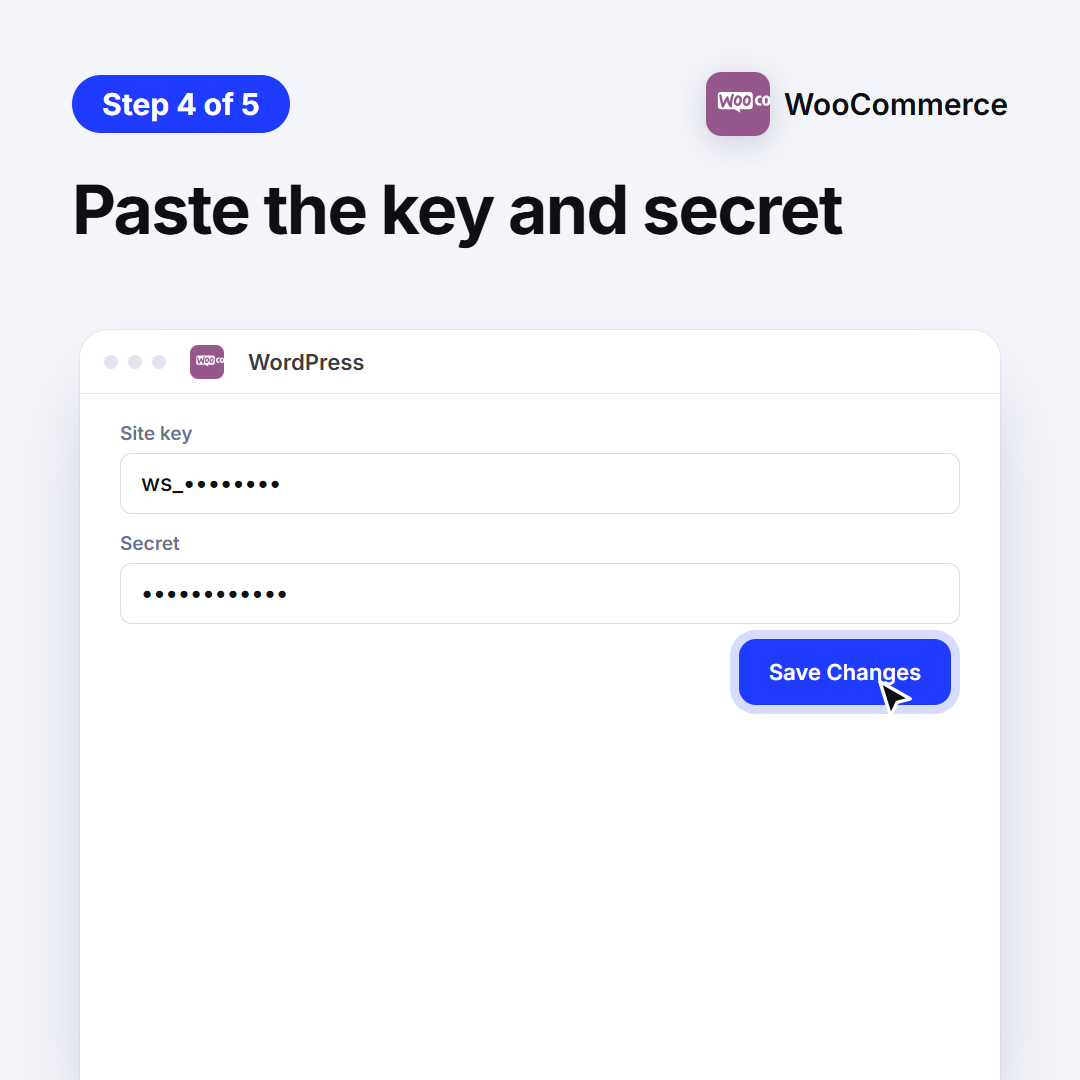
4. Paste the key and secret
In Settings → Sanad, paste them and click Save Changes. Find the key and secret in your Sanad dashboard: Settings → Installation.
5. Done: Sanad is on your site
Sanad is on your store. When a shopper asks for a person, your team sees their cart, and with your permission their orders (read only).
Didn't work? We'll help
Ask Sanad and it walks you through it step by step, your way. If that doesn't solve it, it passes you to technical support, or contact us directly.