
Install Sanad on Cloudflare
For custom-built sites that run through Cloudflare: add it from your Cloudflare dashboard without touching the site's code.
Your Sanad line
<script defer data-cfasync="false" src="https://sanad.northrook.net/assistant/nr-assistant.js" data-endpoint="https://sanad.northrook.net/api/chat" data-key="ws_YOUR_SITE_KEY"></script>
This is an example. Your own line is in your Sanad dashboard: Settings → Installation, or open the link in our email.
Steps
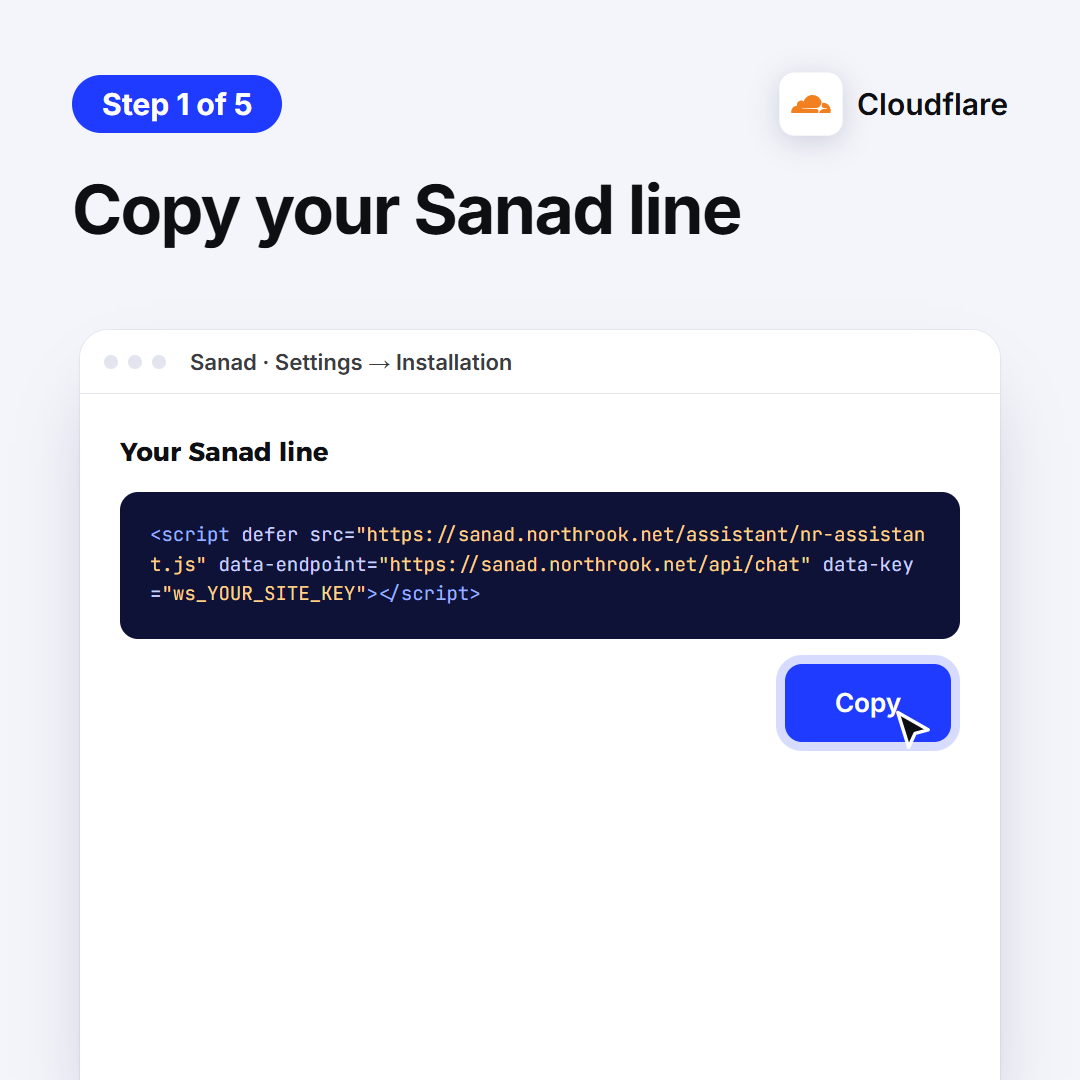
1. Copy your Sanad line
It's in this guide, and in your Sanad dashboard: Settings → Installation. Tap Copy.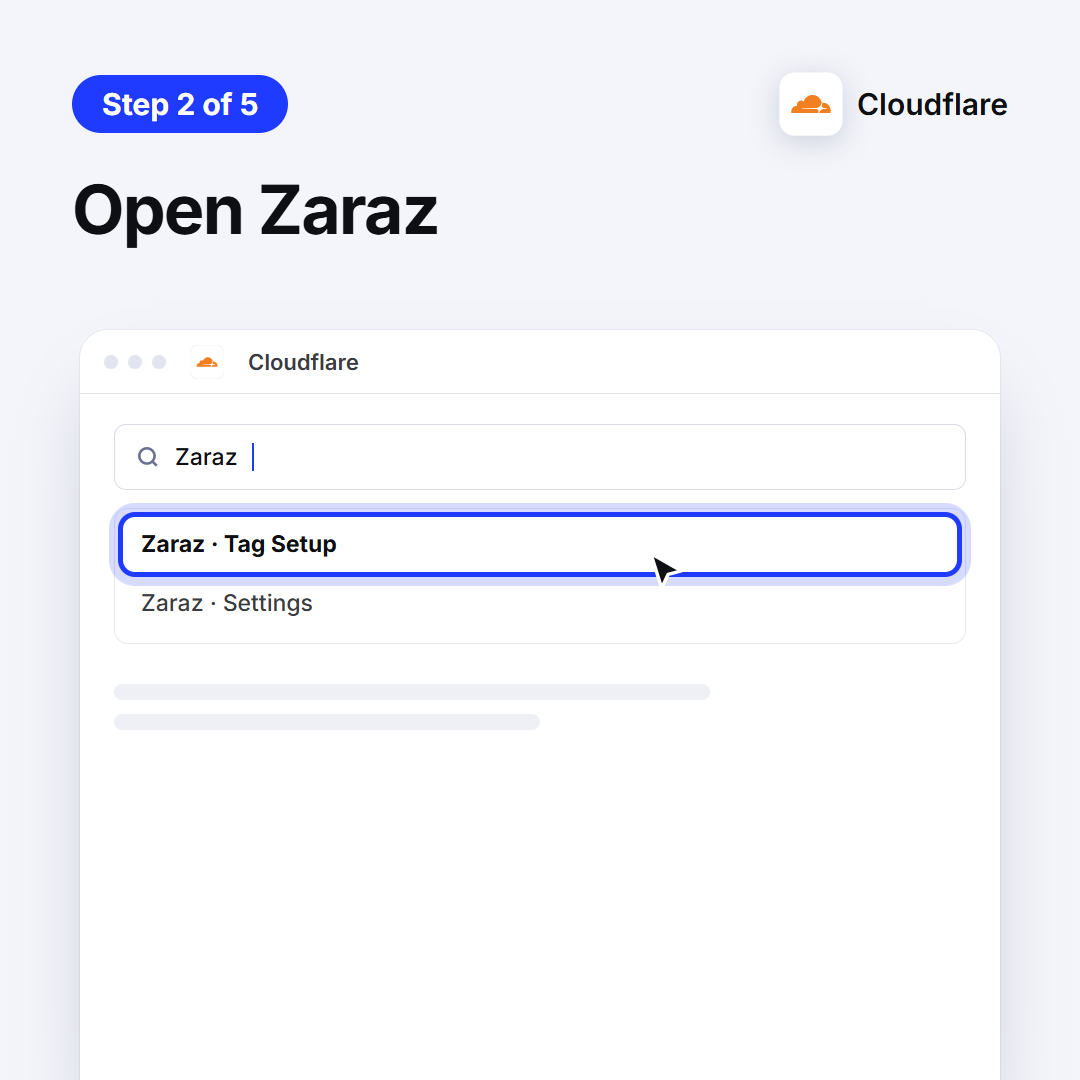
2. Open Zaraz
Sign in to Cloudflare, type Zaraz in the search, and open Tag Setup.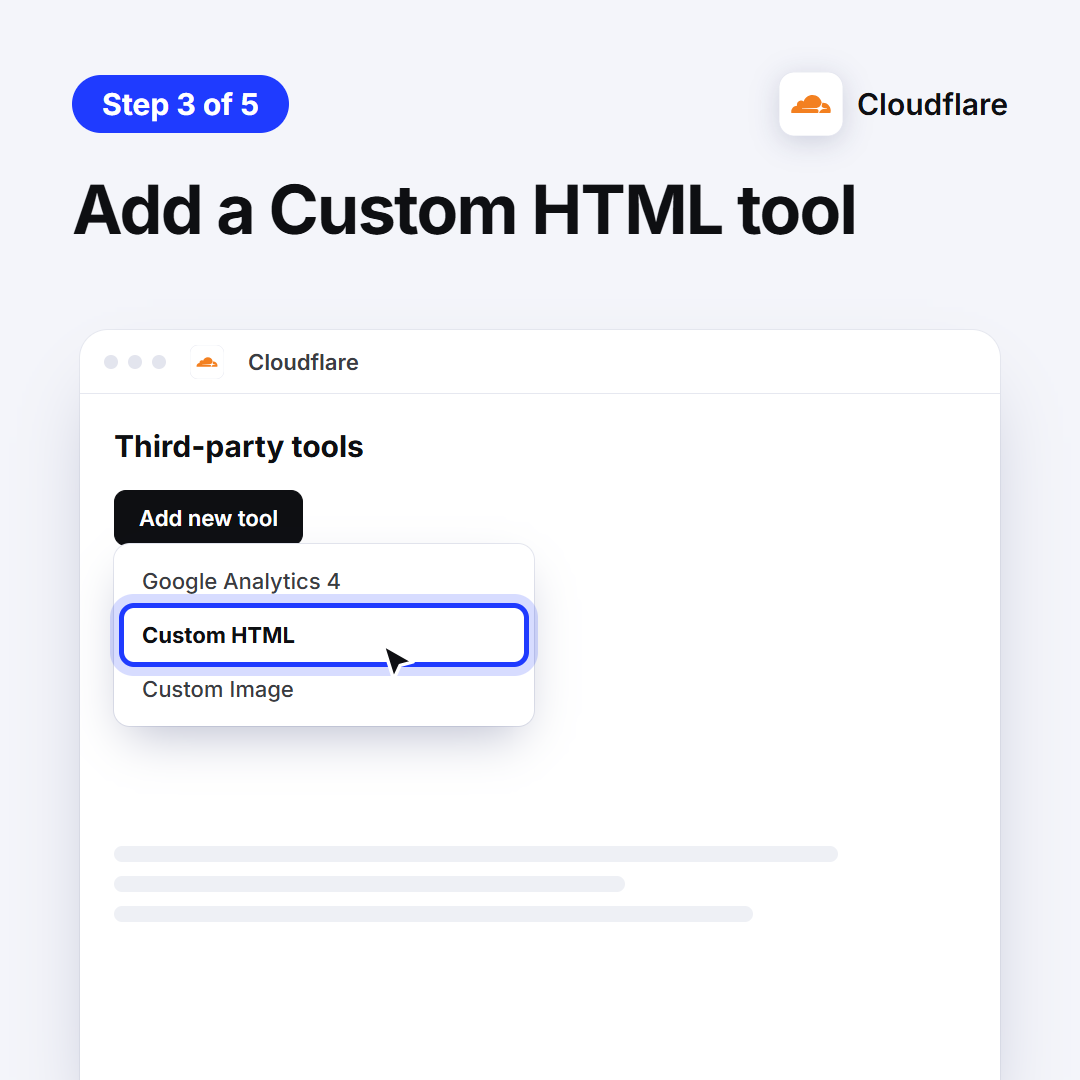
3. Add a Custom HTML tool
Under Third-party tools click Add new tool, choose Custom HTML, then Continue.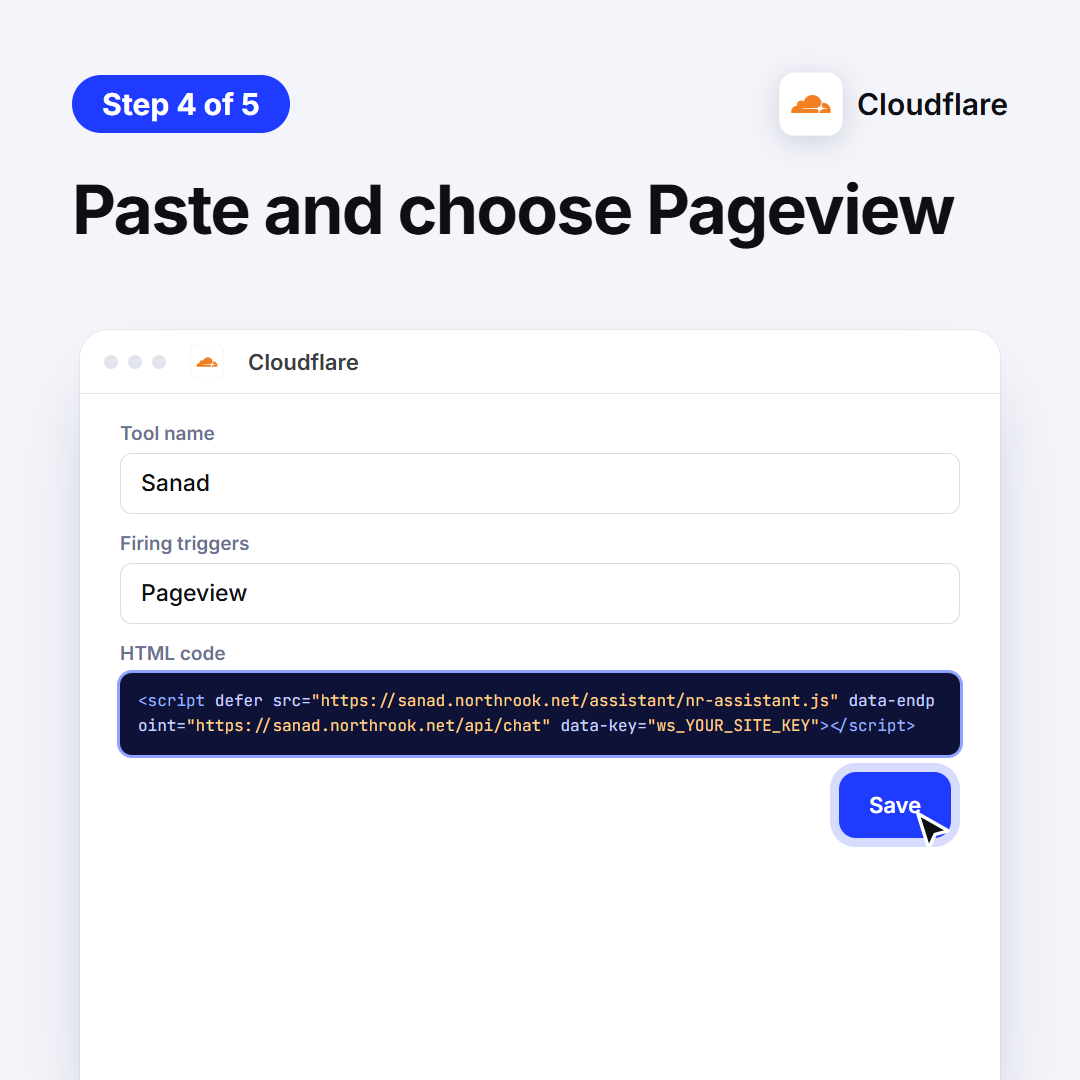
4. Paste and choose Pageview
Name it Sanad, set the firing trigger to Pageview, paste the line in the HTML box, then Save.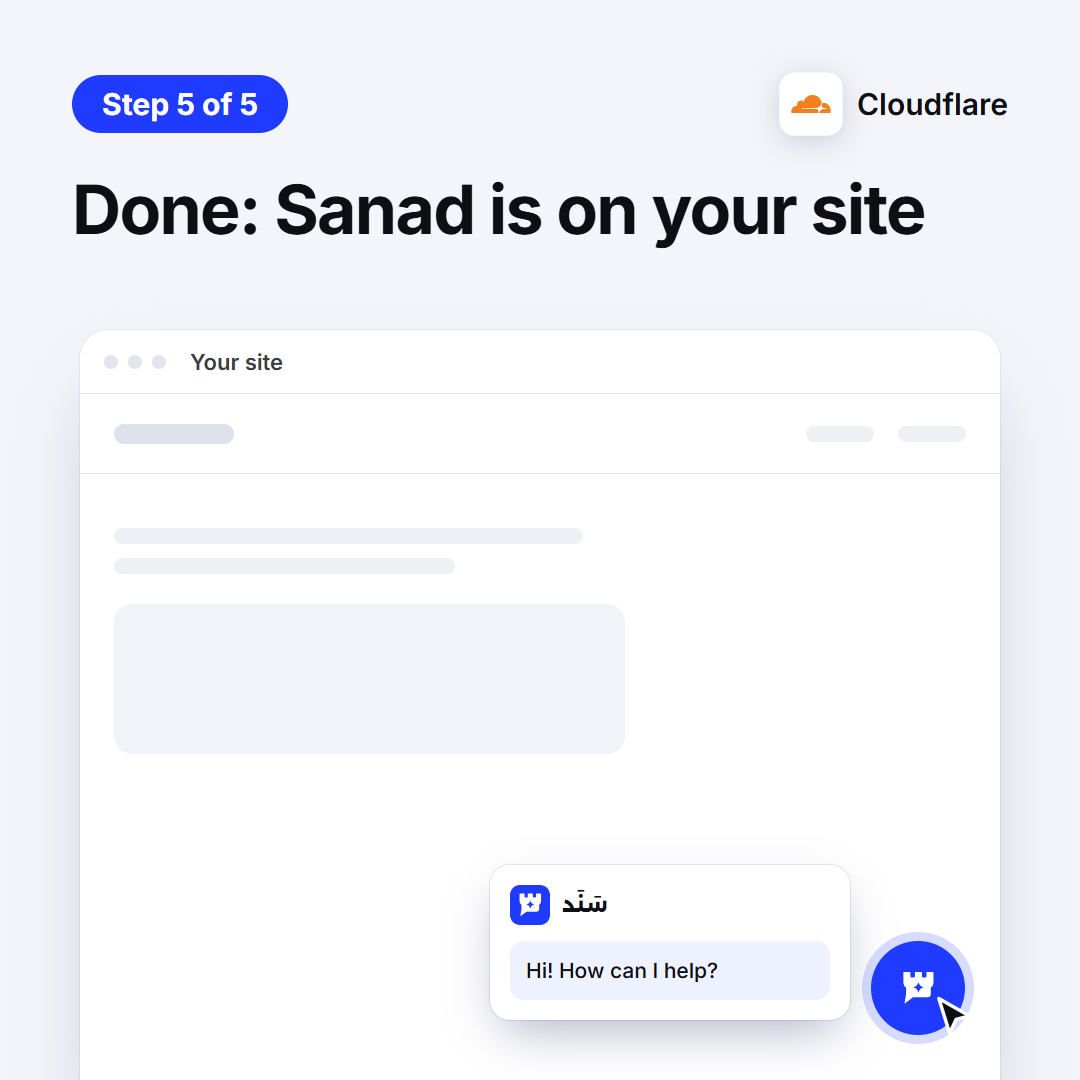
5. Done: Sanad is on your site
Open your site: the Sanad button sits in the corner. If it doesn't show within minutes, reply to our email and we'll help.
Didn't work? We'll help
Ask Sanad and it walks you through it step by step, your way. If that doesn't solve it, it passes you to technical support, or contact us directly.