
Install Sanad on Custom-built site
Send this page to your site's developer: it takes two minutes.
Your Sanad line
<script defer data-cfasync="false" src="https://sanad.northrook.net/assistant/nr-assistant.js" data-endpoint="https://sanad.northrook.net/api/chat" data-key="ws_YOUR_SITE_KEY"></script>
This is an example. Your own line is in your Sanad dashboard: Settings → Installation, or open the link in our email.
Steps
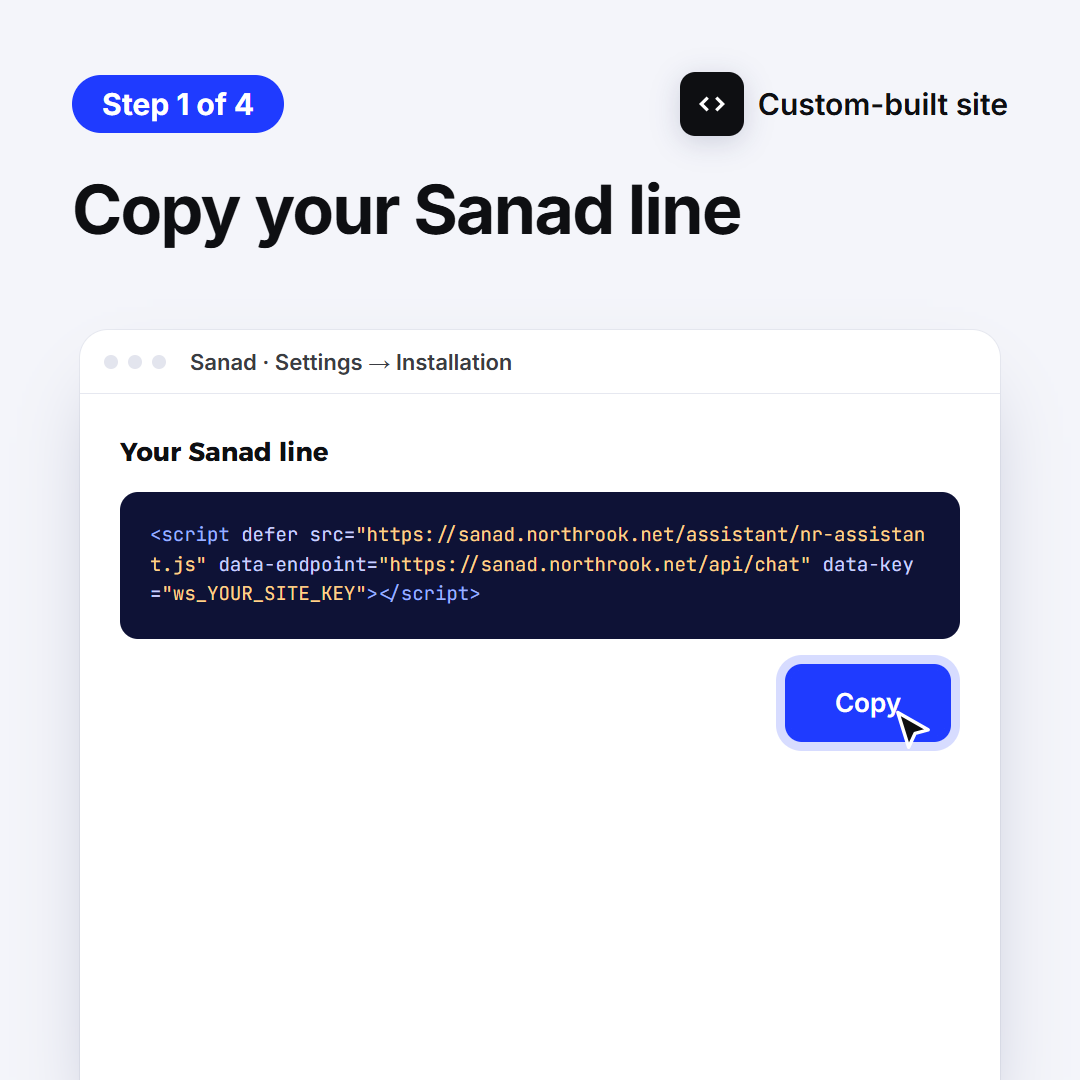
1. Copy your Sanad line
It's in this guide, and in your Sanad dashboard: Settings → Installation. Tap Copy.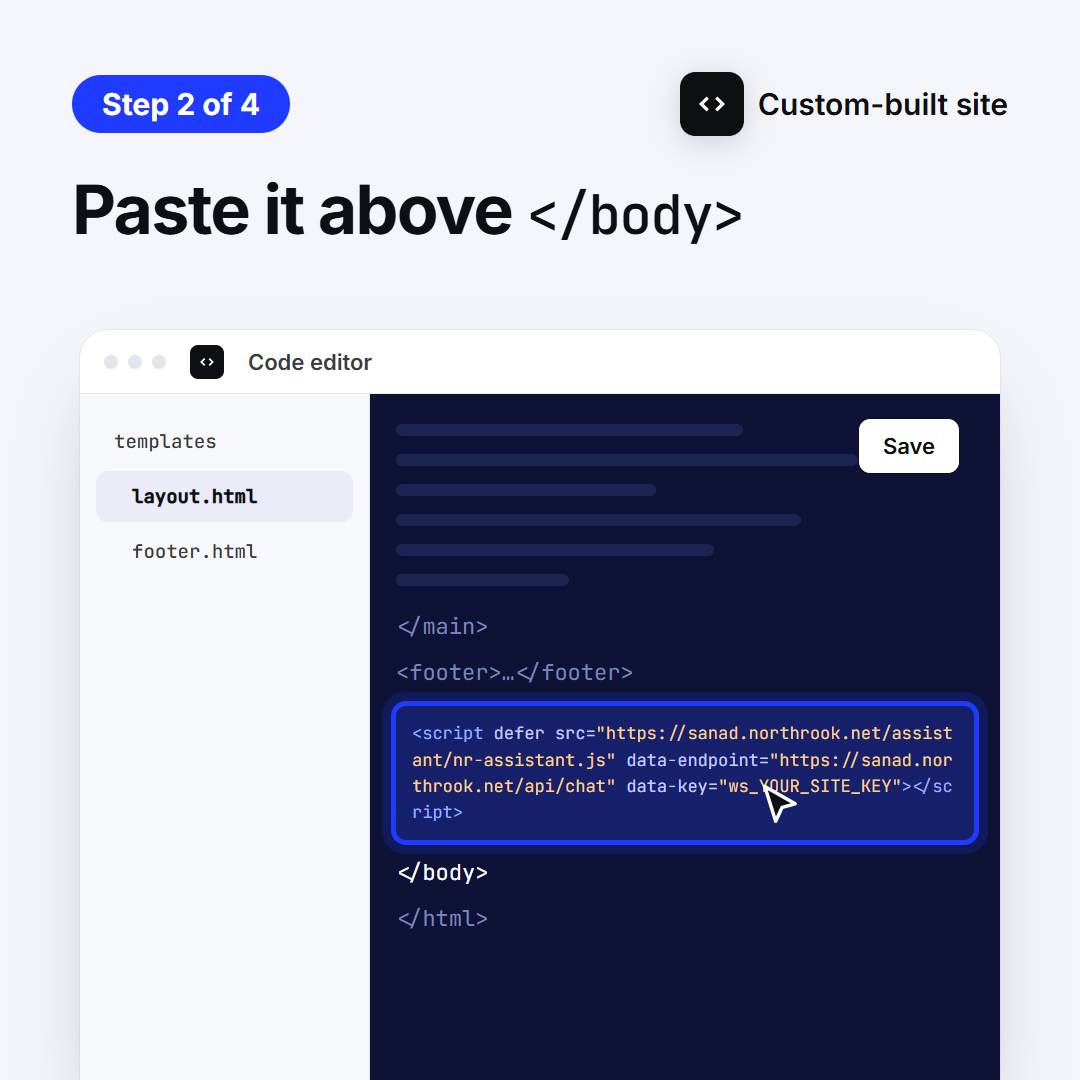
2. Paste it above </body>
In the template shared by every page (layout or footer), right above </body>, then deploy.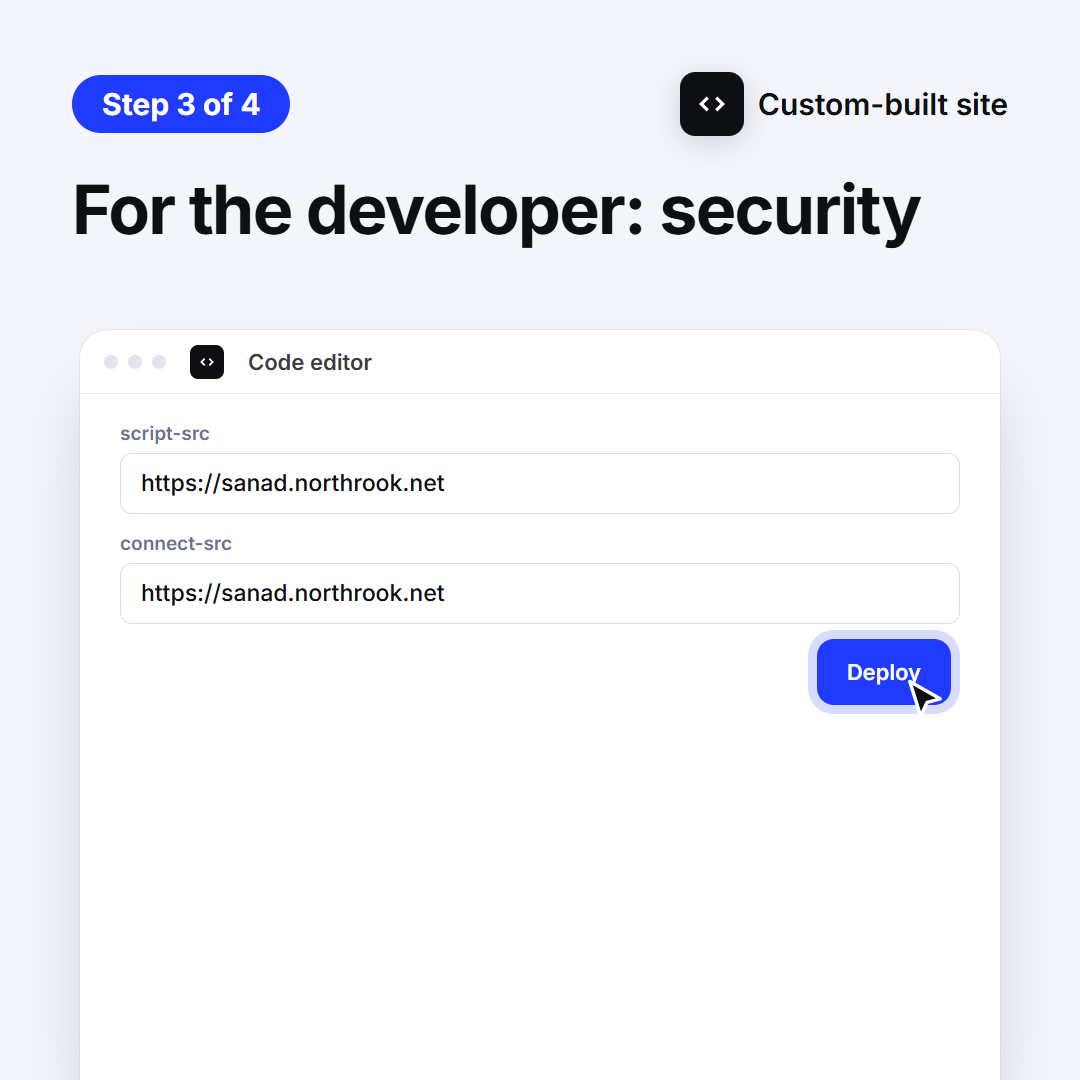
3. For the developer: security
If the site sends a Content-Security-Policy, allow sanad.northrook.net in script-src and connect-src.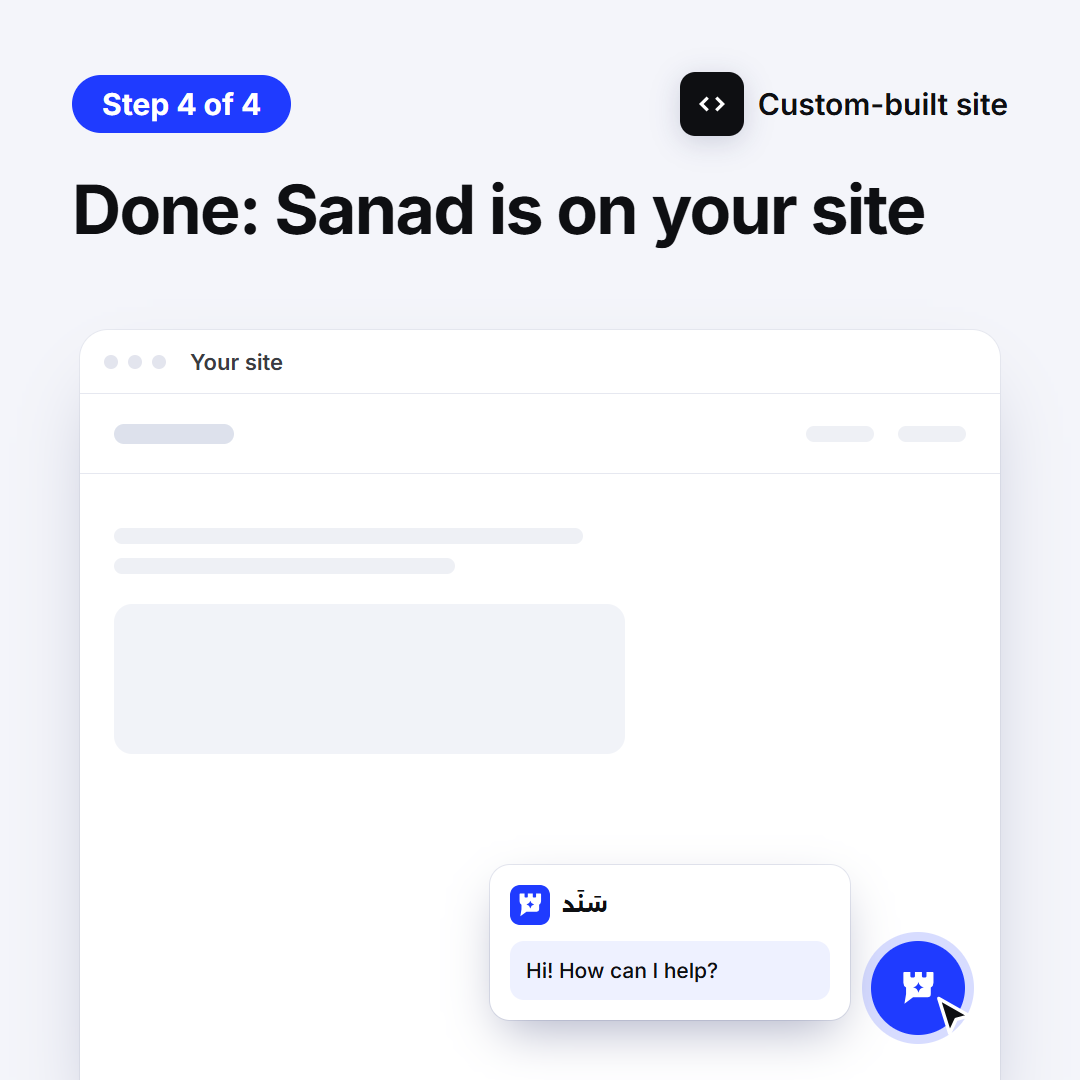
4. Done: Sanad is on your site
Open your site: the Sanad button sits in the corner. If it doesn't show within minutes, reply to our email and we'll help.
Didn't work? We'll help
Ask Sanad and it walks you through it step by step, your way. If that doesn't solve it, it passes you to technical support, or contact us directly.